
If you’ve been using Postable to send your greeting cards for a while. you probably already know that there are a ton of features to help you make sending your snail mail easy.
The Carbon Copy feature allows you to create many cards with the same message while still customizing the first name of the recipient in one fell swoop. Here is your tutorial on how to find and use this tool for yourself.
1. Choose your card & find the Carbon Copy tool
To start, click the green ‘Start Writing’ button. Once you’ve customized the card, you’ll be taken to the writing desk. Click the green Options drop down menu right above your list of contacts.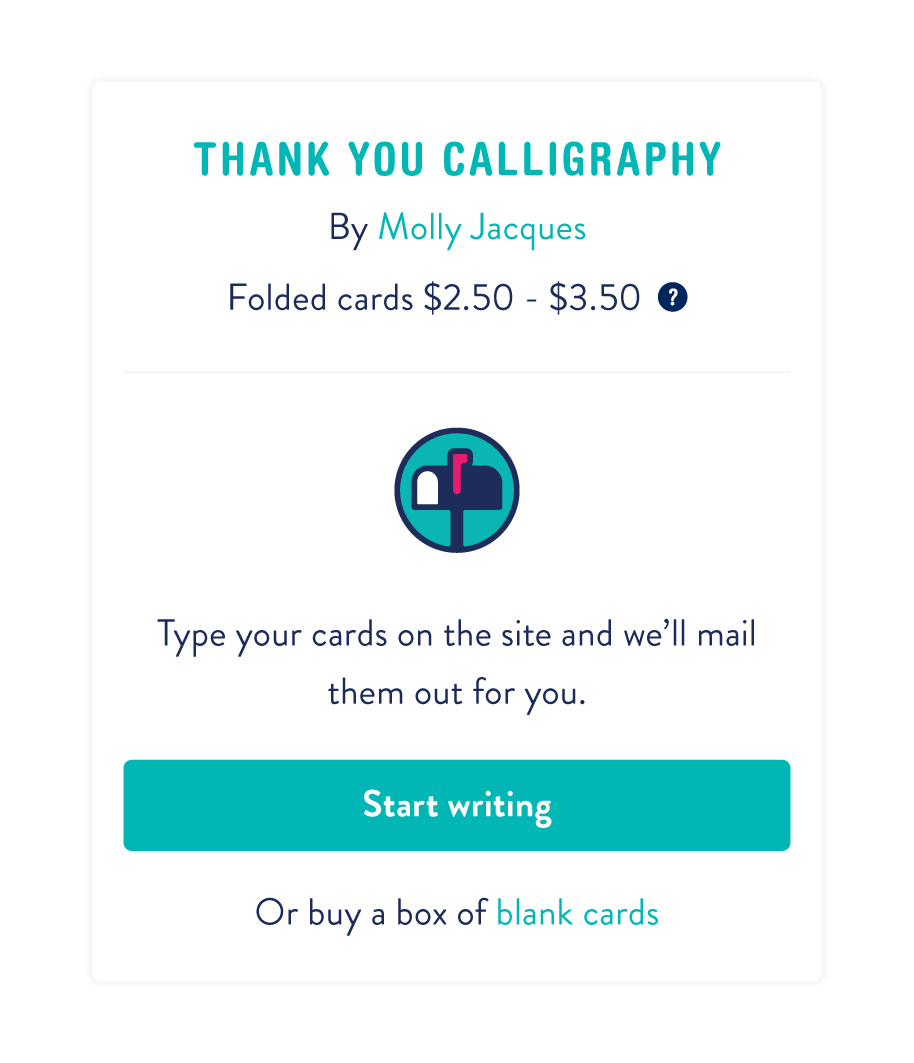
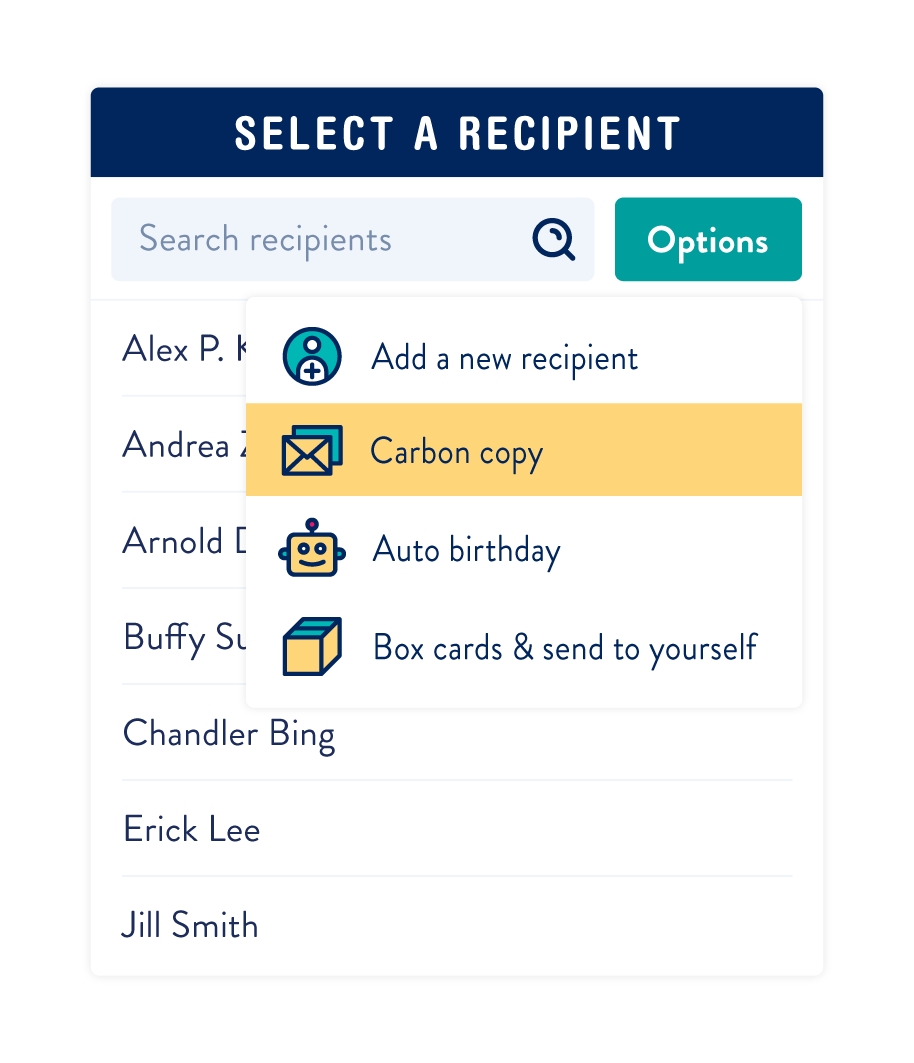
2. Select Recipients & write your master message.
You may choose your recipients by clicking on the individual names or using the green ‘Options’ button to select everyone in your address book (or a specific group). 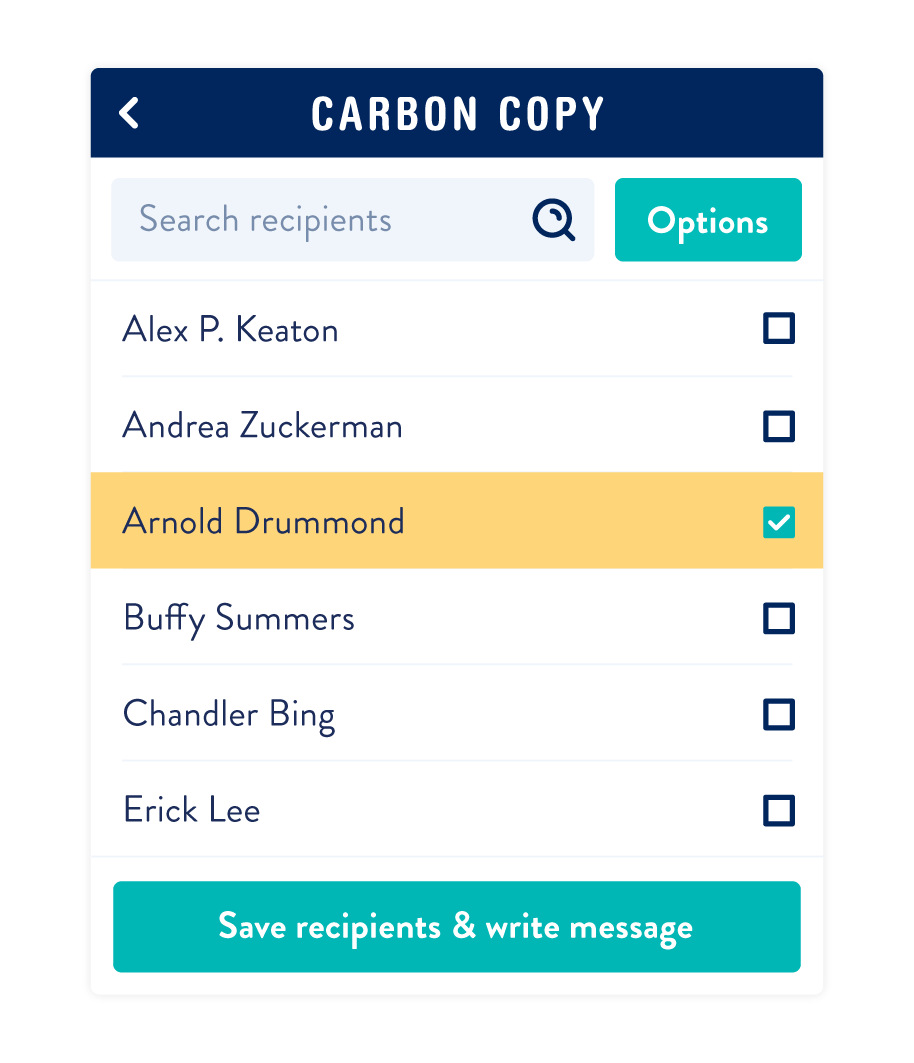 Use the green buttons to navigate forward to writing your master message. You can change the font for the message here and/or add an Amazon gift card.
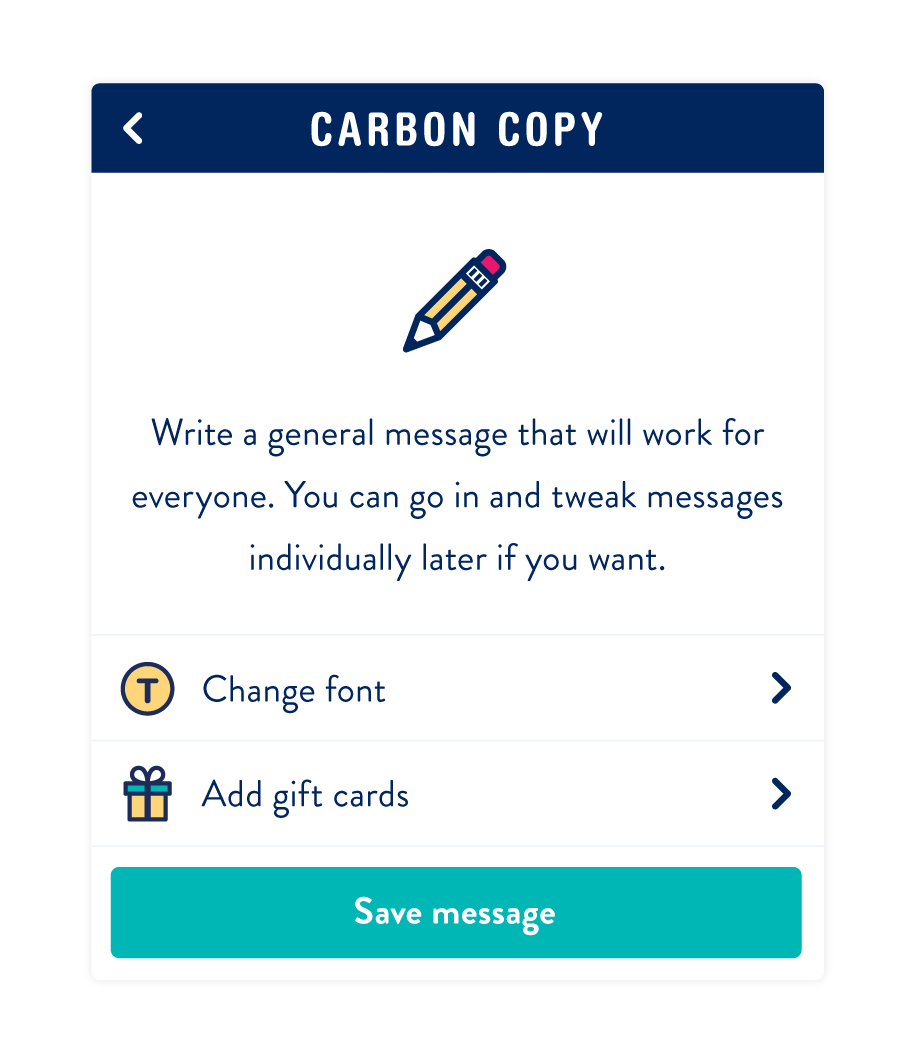 That’s it! Save your master message and checkout. Each card will be customized with the recipient’s first name automatically. If you’re hoping to also schedule all of your cards for each recipients’ birthday, you can do so with our auto birthday tool.






12 responses to “How To Postable: Carbon Copy”
[…] handy Carbon Copy tool to create a simple generic message and apply it to all your cards at once. Then, go back into […]
[…] for you, Postable’s Carbon Copy tool lets you apply the same master message to all 250 recipients at one time. This way, you can […]
[…] You can achieve the second option by using the Carbon Copy feature — see how to use it here. You can even compose a couple different master messages — for example, one for your […]
Hi Sara!
You can find the carbon copy tool under the Mass Mailings page — https://www.postable.com/advanced
Hope that helps.
If you need help with anything else, feel free to reach out to our customer support at info@postable.com.
I do not see the option for carbon copy. Has it been removed?
[…] tip: Use the Postable Carbon Copy tool to easily customize each recipient’s first name while using the same master message. Save […]
[…] for you, Postable’s Carbon Copy tool lets you apply the same master message to all 250 recipients at one time. This way, you can go […]
[…] sending a folded card, you can choose to only view contacts in a certain group or you can use our carbon copy tool to send everyone in a specific group the same […]
[…] handy Carbon Copy tool to create a simple generic message and apply it to all your cards at once. You can also […]
[…] Apply the same message to many cards as you’d like while customizing the recipient’s first name. Carbon Copy Tutorial […]
Hi!
Yup. Anyone can use the site to send cards. Just keep in mind the cards are mailed from the US so international stamps will need to be used for cards mailed outside the US and delivery time may be longer than domestic.
Viva la snail mail!
Hello Postable I am curious if this is available for countries out of the U.S. if so which countries do you serve? By the way, I love your idea. =)