
Have you made the greatest decision of your life yet by creating your very own free address book? Ok, we lied. It’s probably not the greatest decision… That award goes to investing in a lifetime supply of donut deliveries.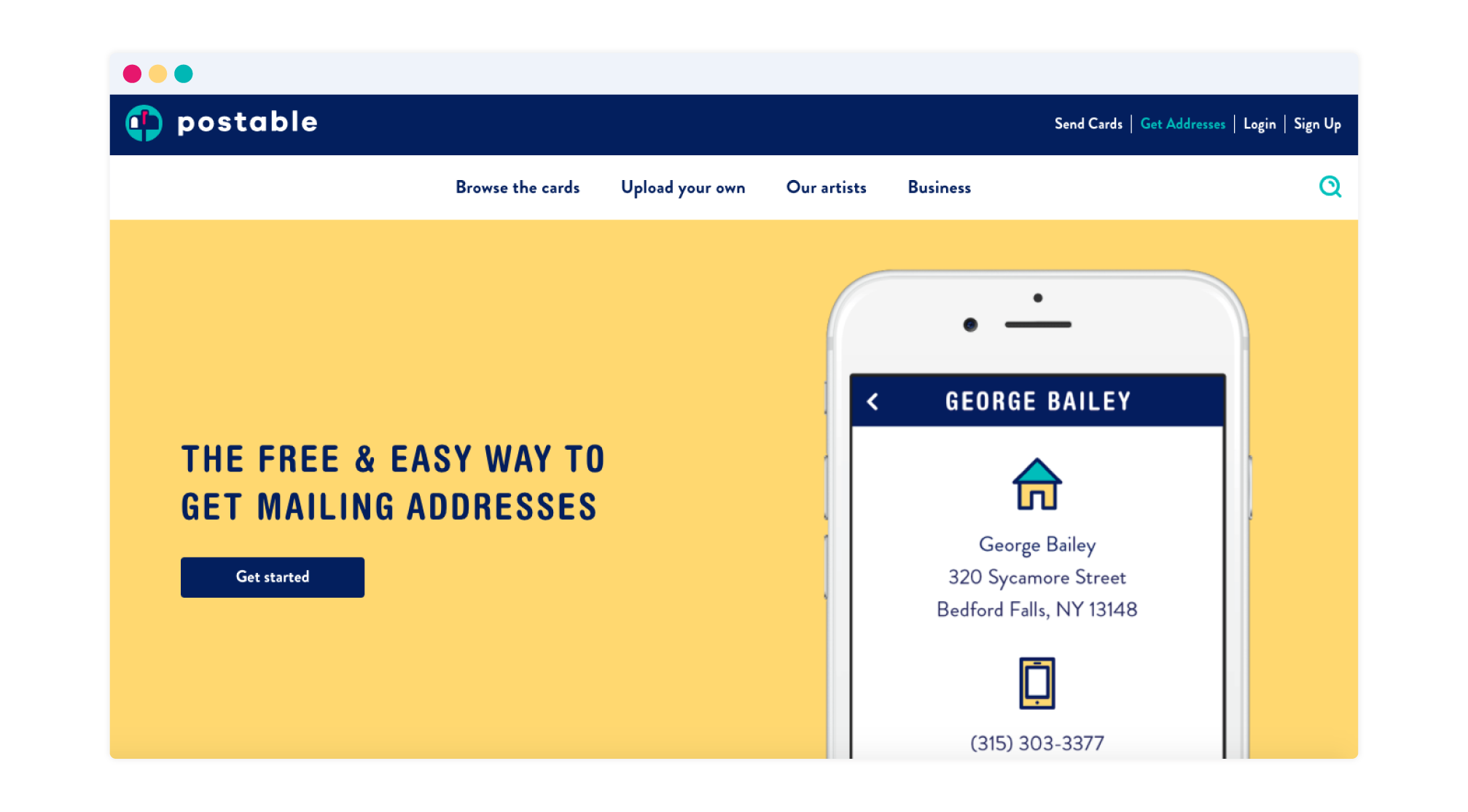
If you haven’t taken advantage of Postable’s free address book (really great for weddings and holiday cards), you should probably do that before you end up being the only one in the world without this handy dandy tool. We even help you gather your contact’s mailing addresses with a simple unique link. 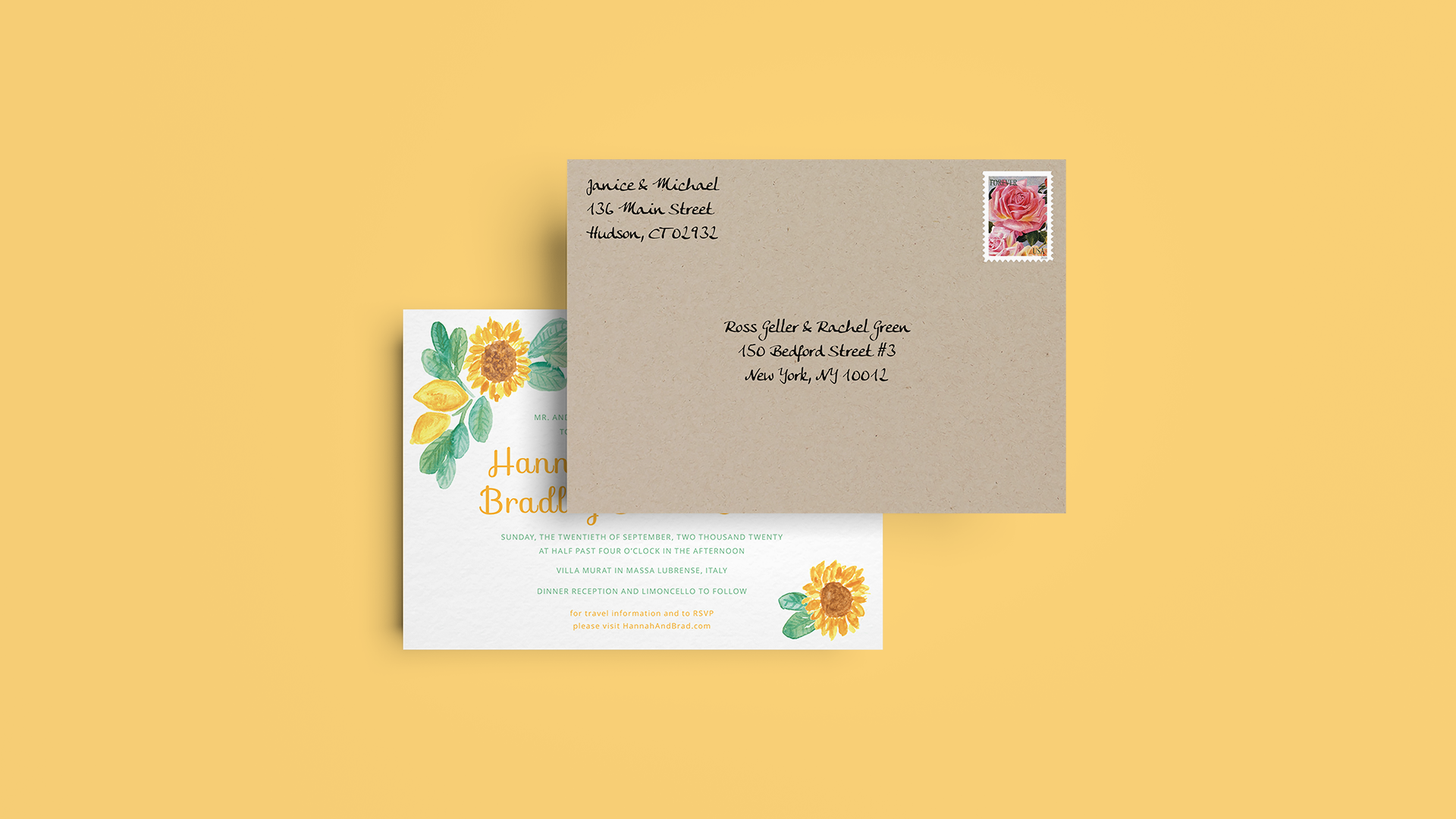
For those smart folks who already have a Postable address book….
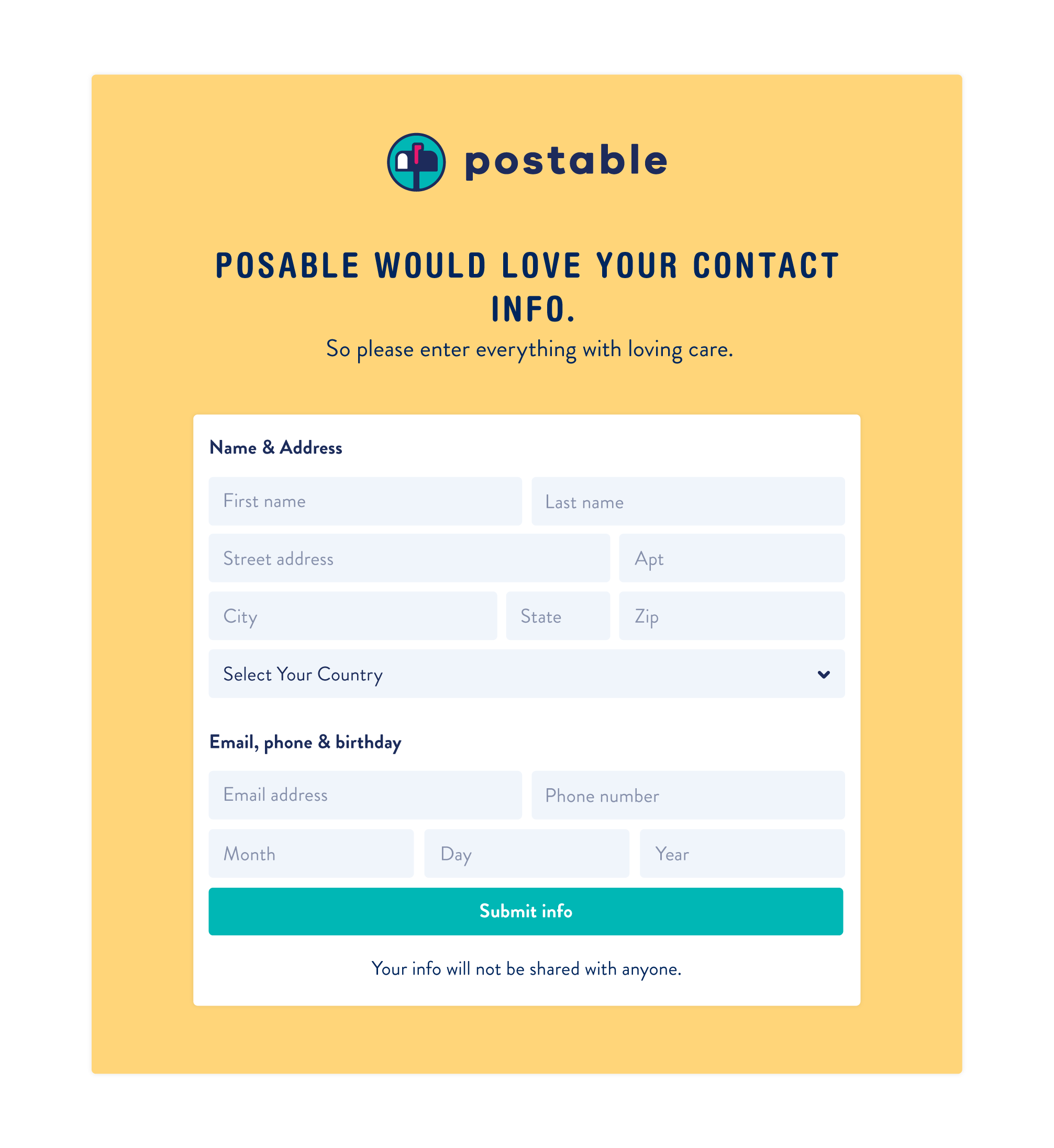
Not sure why your address request form isn’t asking for the partner name or birthday information? Not to worry, you can make adjustments to this form via your account settings. These settings also correspond to the fields that are editable in your Postable Address Book.
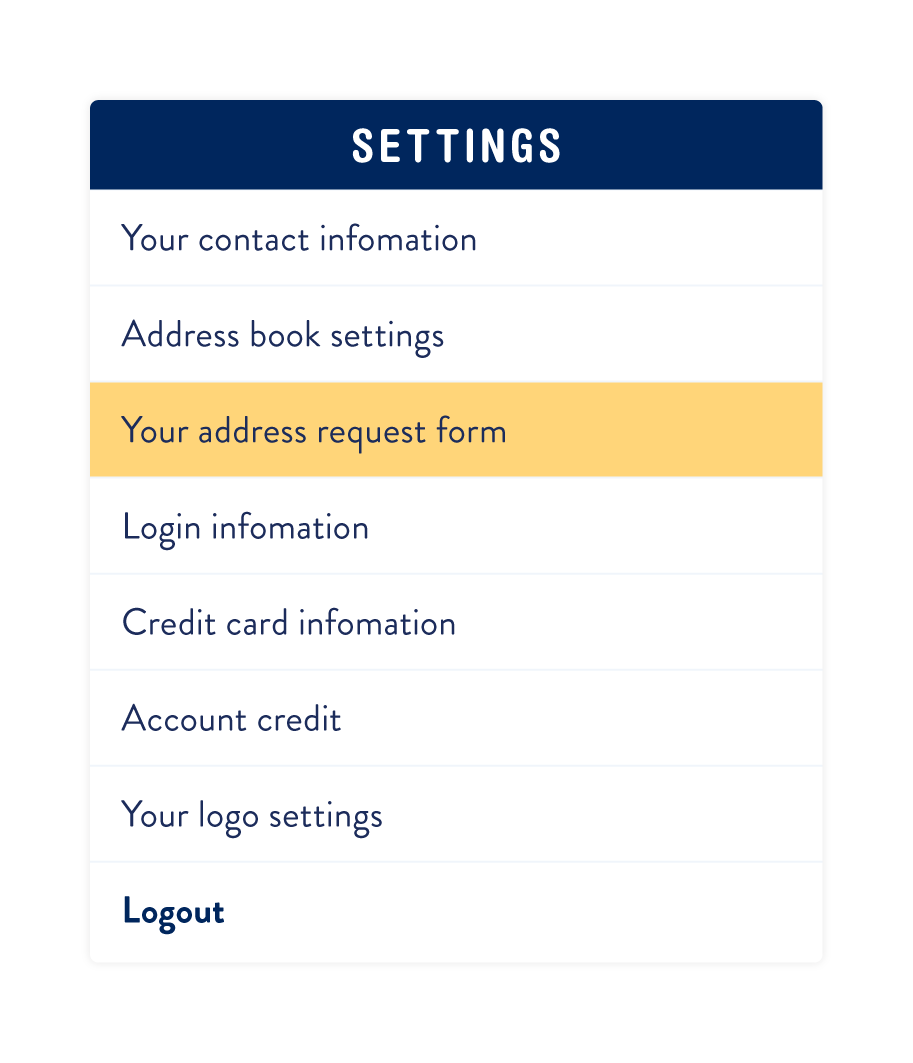
1. Go to Account (top right hand corner) Settings
Then click on the ‘Your address request form’ section.
 2. Choose the fields that you’d like to ask & save.
Use the form to select (and de-select) the items you want to show up on your address request form (and address book). You can customize the text that shows up on the top of your form as well.
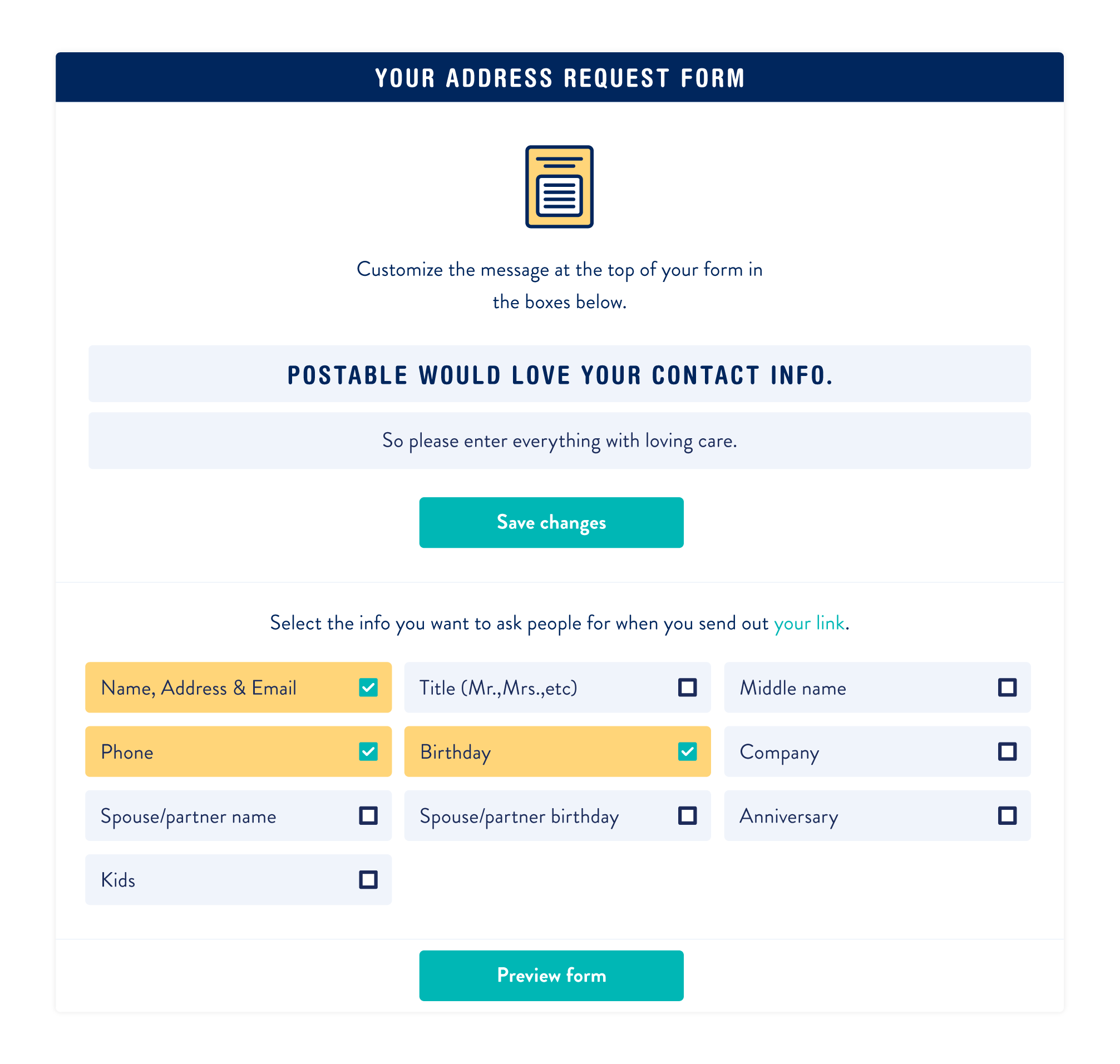
Make sure to save your changes and click the ‘save changes’. You can find your unique Postable link by going to Address book > Your Link.
If you have any questions, be sure to let us know! And if you haven’t already signed up for your free address book, for the love of all things snail mail… do it already.






11 responses to “Tips & Tricks: How to Edit Your Address Request Form for Your Free Address Book”
Hi!
Yup. There’s a short sentence below the ‘copy link’ button that says: “You can also change your link or edit your private form” — the ‘change your link’ is a hyperlink that you can click on.
Hope that helps. Feel free to reach out to customer support at info@postable.com.
Hi! Is there a way to edit the text that appears when I click “Copy Link”?
[…] form with a unique description your wedding guests will appreciate. Here’s a simple guide to help you make your address request form on your own […]
Hi Alina!
Make sure you send your actual request URL not the Preview URL.
You’ll be able to find your actual link by going to your Address Book > Your Link.
If you have any further issues, send info@postable.com an quick email and they’ll help ya!
I’m having the same issue Megan mentioned. I have already shared my personalized link and none of my guests can submit their information because it is in Preview Mode.
Hi Megan!
Your unique Postable link is always live. To view it as your friends and family will view it — open the URL in an incognito window (or sign out of your Postable account).
If you have any additional questions or problems — reach out to our customer support at info@postable.com.
Hi-
Every time I request my personal link it says “* This is a preview of your address request form” at the bottom of the page. How do I make sure it’s live before I send out my link to my guests?
[…] can customize what fields your address request form includes — like your contacts’ birthdays or phone numbers — along with the URL […]
Hi!
You can do it manually in your address book for them or you can send them an update email through your address book. If you need any help with this, email info@postable.com and they’ll take care of you 🙂
If a friend needs to update an address they have previously submitted into our address book through the request form, can they do so from the form or will we have to login and update their address?
[…] form with a unique description your wedding guests will appreciate. Here’s a simple guide to help you make your address request form on your own […]