
 So you’d like to write a card now, but hold off on sending it for later? Getting a head start on sending out those Birthday Day cards is really easy. You have two options when it comes to scheduling your cards.
Option 1. Schedule 1 Card
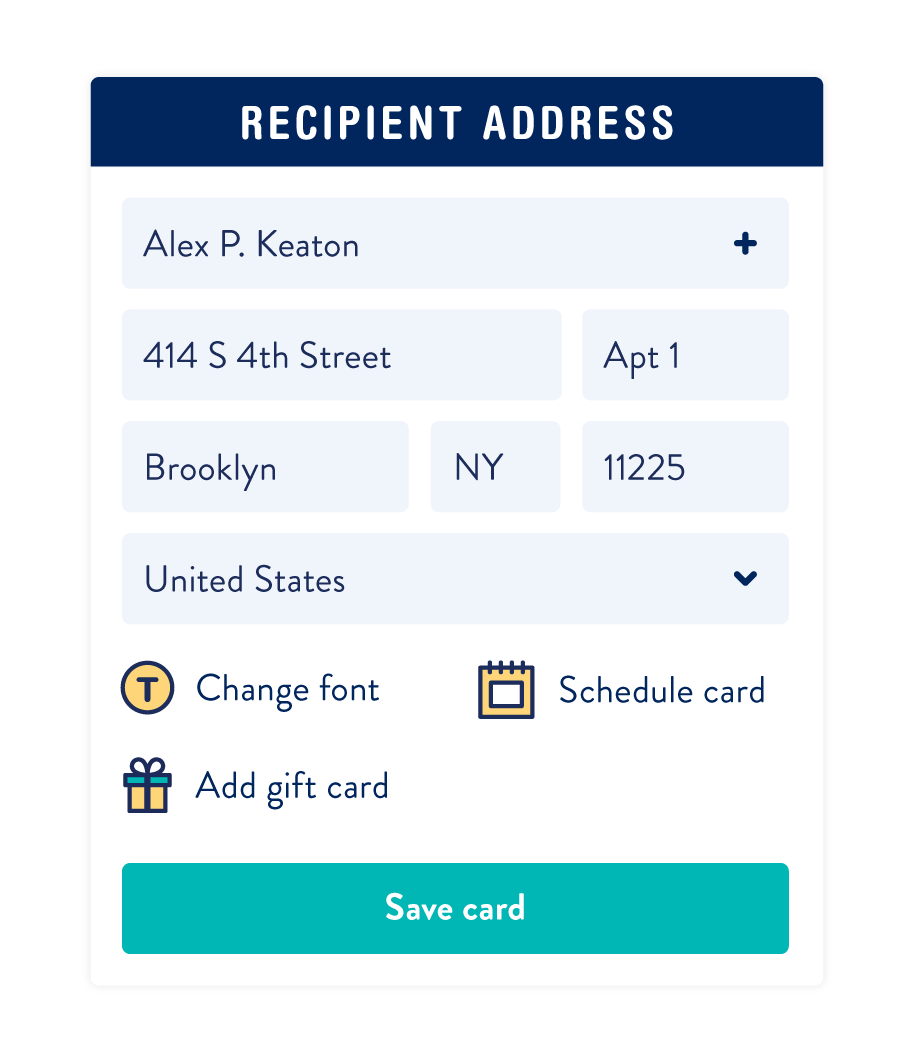
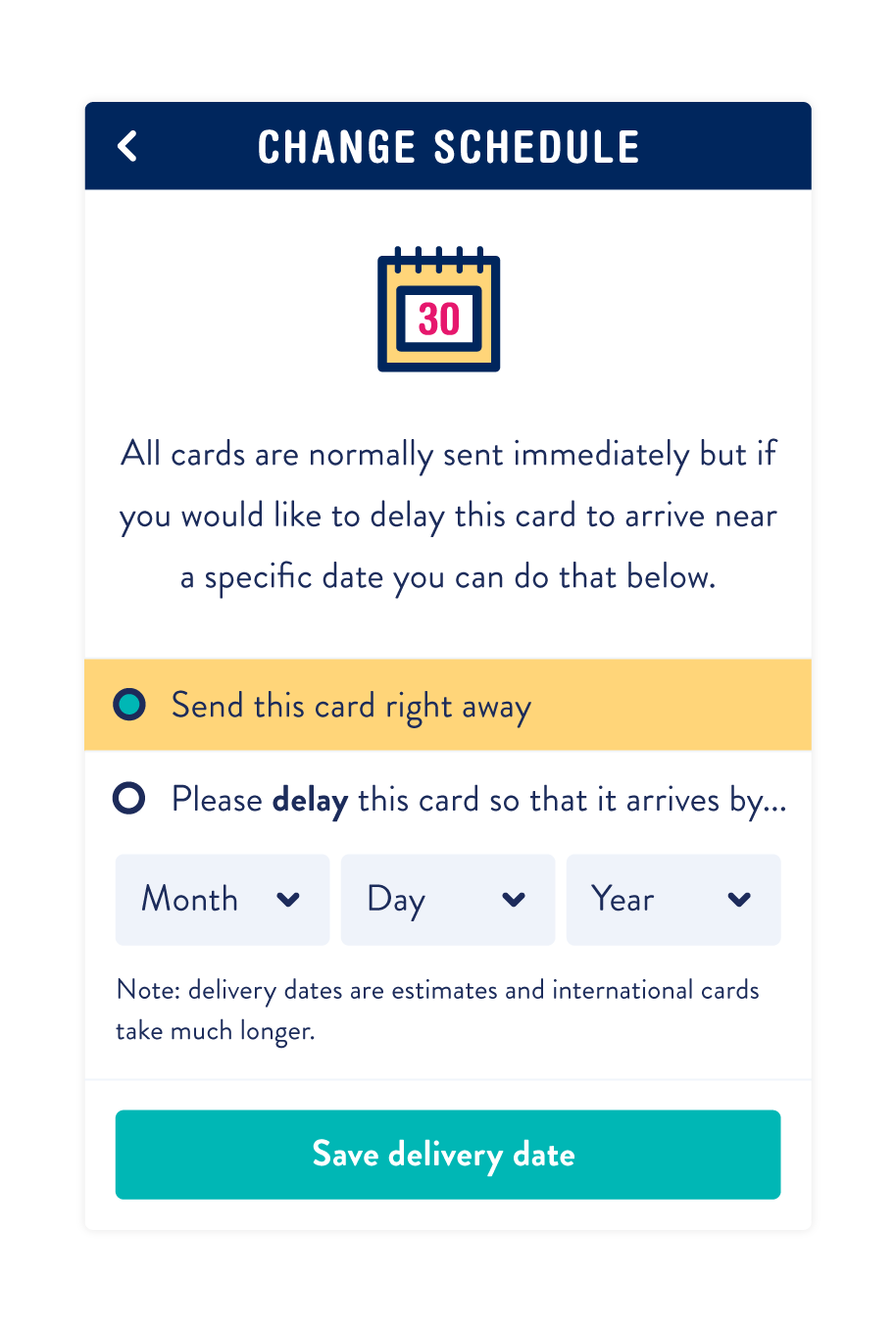
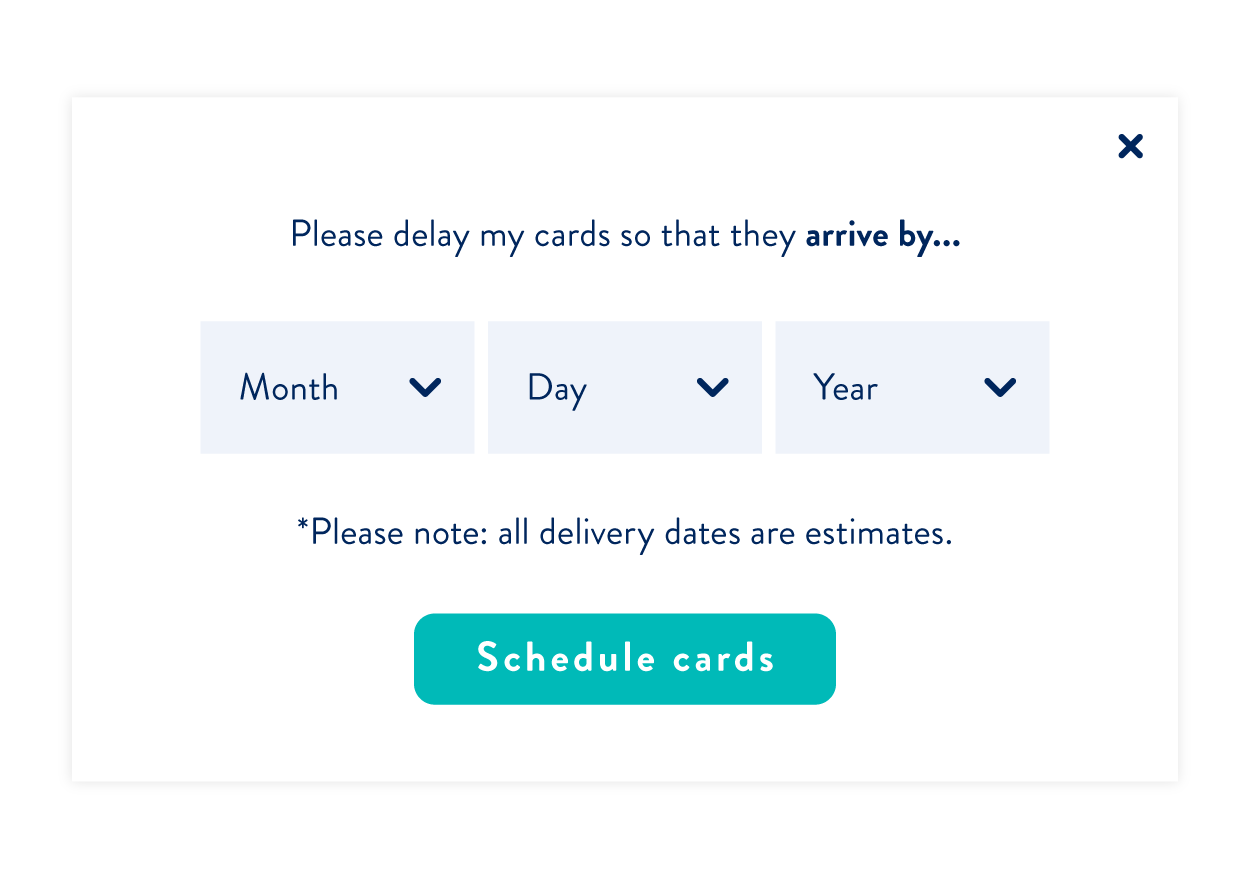
If you’re only scheduling a single card, you’ll want to do this while you’re writing your card by clicking on the ‘Schedule card’ button (located next to the ‘change font’ button).
Option 2. Schedule an entire Project
So you just wrote out 10 Valentine’s Day cards, but it’s still January… Don’t worry, you can just schedule them all at once in the cart. Once you’ve gotten the project all the way into your cart, click on the ”Schedule for later’ to set an estimated arrival date for every card in that project.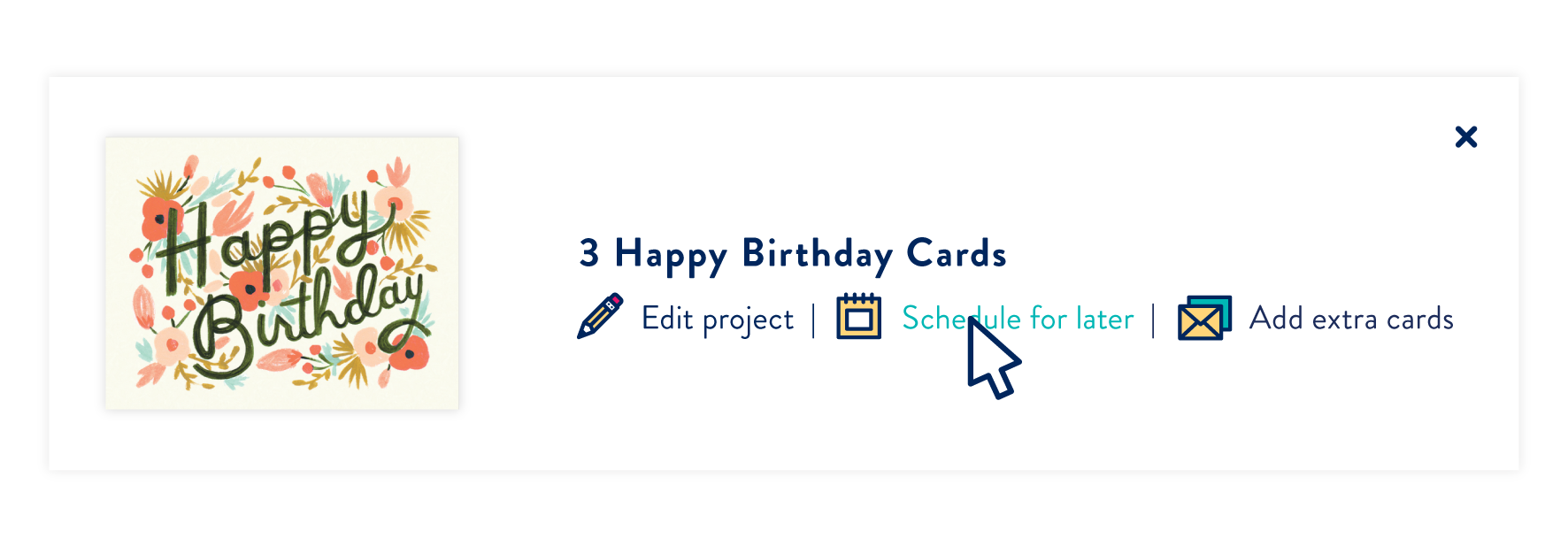






11 responses to “How to Postable: Scheduling Your Cards”
[…] thing on your list. It’s a quick and easy task to knock off at the beginning (you can even schedule these if you wanted) to make sure it gets delivered on the day of their […]
[…] tip: You can always schedule your Mother’s Day cards so you can cross that off your […]
Hi!
So long as the card has not been placed in the mail, you can email and cancel the card.
If you need any assistance, email info@postable.com.
Can you cancel the schedule after delievery the card.
[…] tip: You can always schedule your Mother’s Day cards so you can cross that off your […]
[…] this year. Just remember to make your selection early and get those cards in the mail! You can even schedule your cards to go out just in time for Valentine’s Day so you don’t forget to send […]
[…] Want to take care of all of your holiday cards in August before things start to get busy? Use the scheduling tool to set your cards to get mailed out at a later time. How to Schedule Cards […]
Hi!
Yup, the project will be mailed out to individual people. You’re just choosing to have all the cards mailed out on one day. First, you’ll create the cards to individual people, then you schedule them at checkout.
If you need help with your project, email info@postable.com and they’ll take care of you!
Regina
For option 2, can you schedule a project to individual people? Will their name be on the card or does it have to be generic with no name?
Hi Carol,
Sorry to hear that! Send info@postable.com an email and they’ll help you out.
I was unable to schedule a single card- instructions were not working.